In the world of IT, things move fast. New tools, new workflows, and new challenges show up all the time. To keep up, having the right apps on your phone isn’t a luxury anymore.
Android cloud-based apps make it easier to work from anywhere, collaborate with teams, and stay productive without being tied to a desk. In this post, I’ll walk you through five must-have cloud-based Android apps that can genuinely make life easier for IT professionals.
1. Microsoft OneDrive: Simple and Secure Cloud Storage
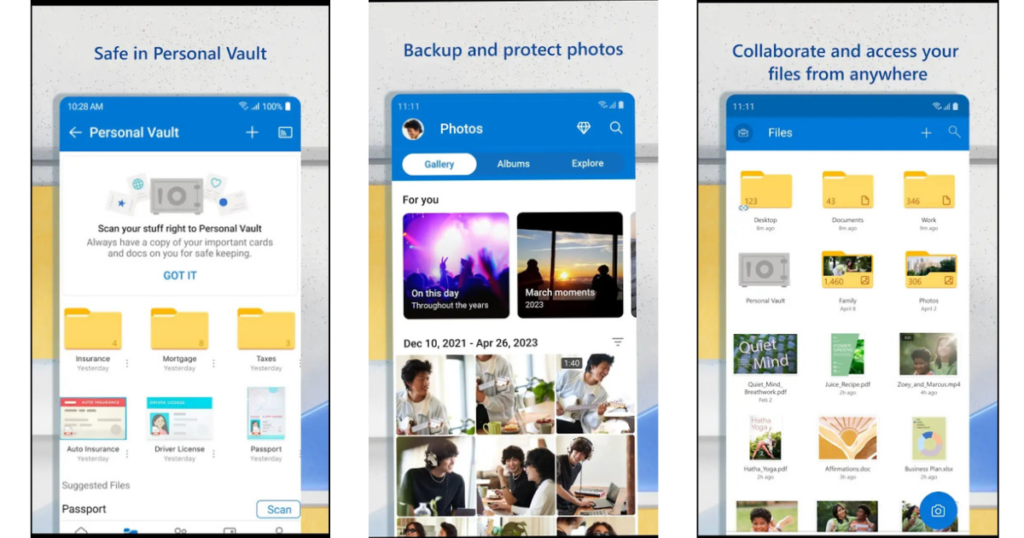
With remote work becoming the norm, accessing files anytime and anywhere is crucial. Microsoft OneDrive makes this simple.
It works smoothly with Microsoft 365 and gives you a secure place to store documents, project files, and other important data. Whether you’re sharing files with teammates or accessing them on the go, OneDrive keeps everything synced and protected.
If you already use Microsoft tools, OneDrive fits right in without any learning curve.
2. Slack: Keep Team Communication Organized
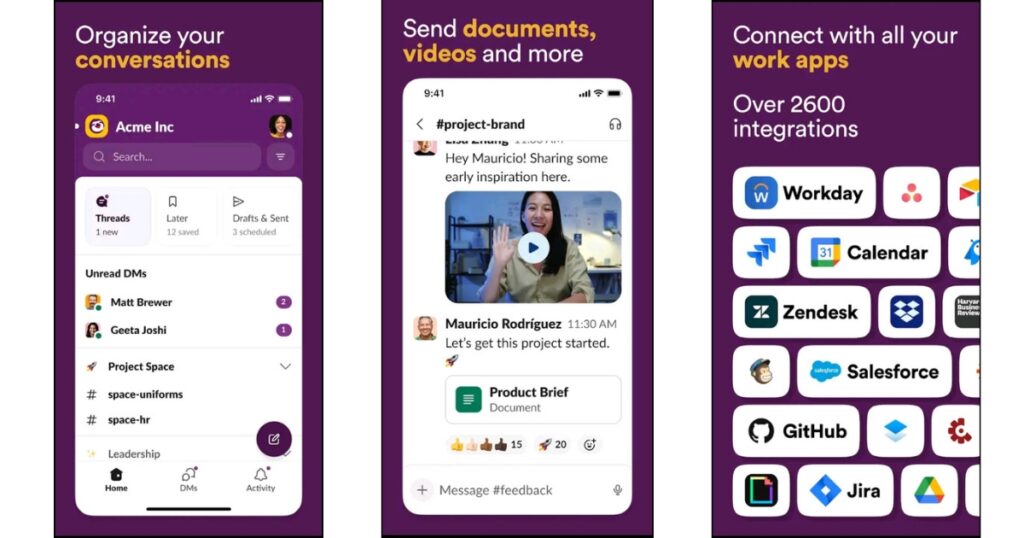
Clear communication is at the core of every IT project, and Slack does a great job of keeping conversations in one place.
Instead of long email threads, Slack lets teams communicate through channels and direct messages. You can quickly share updates, files, and ideas, and even connect other tools you use daily.
It’s simple, fast, and keeps everyone on the same page.
3. Trello: Easy Project and Task Management
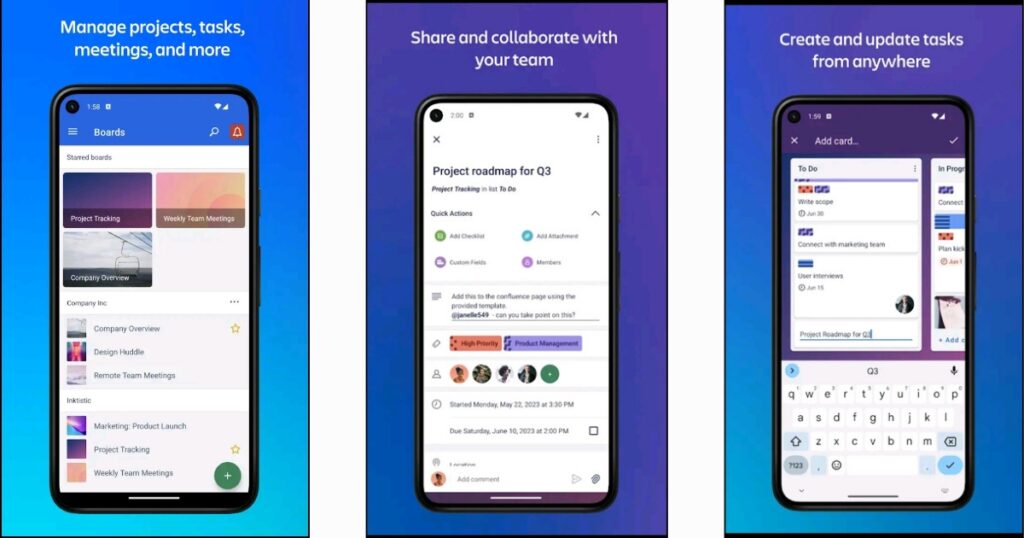
Managing multiple tasks can get overwhelming, especially when you’re working on more than one project. That’s where Trello helps.
Trello lets you organize work using boards and cards, making it easy to see what’s in progress, what’s done, and what needs attention. You can move tasks around, add notes, and collaborate with your team in real time.
It’s straightforward, visual, and doesn’t feel complicated to use.
Also Read: Automation Made Easy – MacroDroid App Review
4. LastPass: Manage Passwords Without Stress
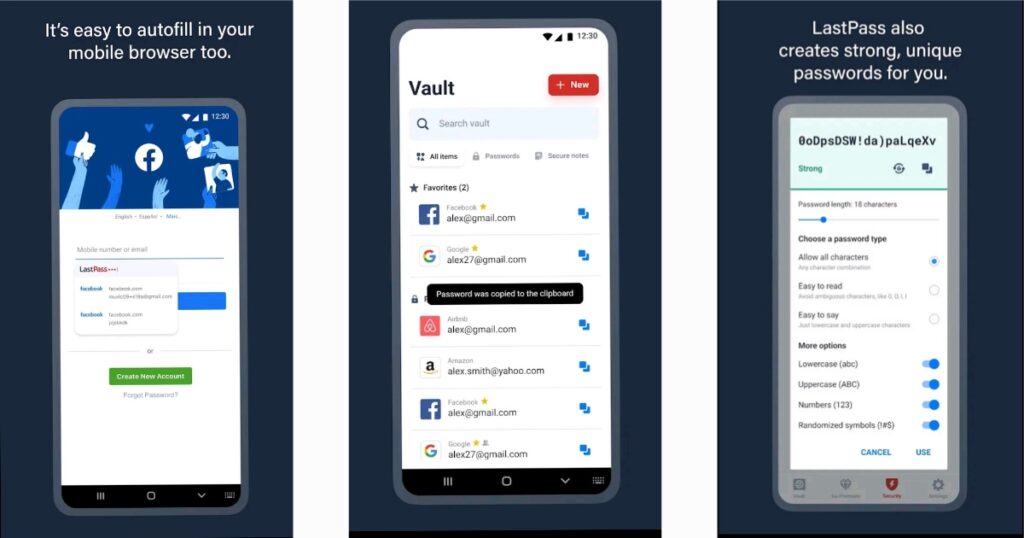
Remembering dozens of passwords is a headache, and reusing them isn’t safe either. LastPass solves this problem.
It securely stores your passwords, generates strong ones when needed, and syncs them across your devices. You only need to remember one master password, and LastPass takes care of the rest.
For IT professionals, this is a simple way to improve security without extra effort.
5. Google Workspace: Work Together, Anywhere
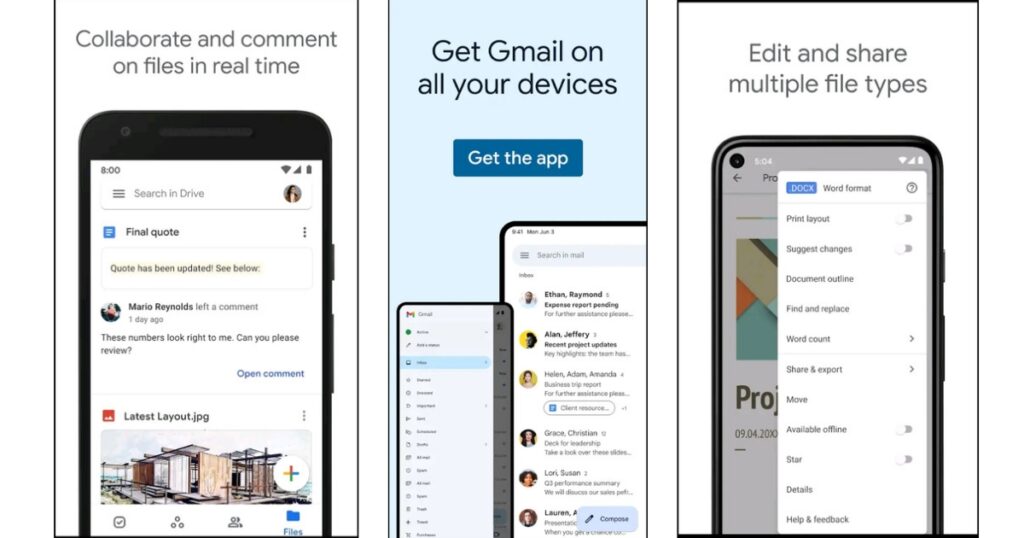
Google Workspace is a familiar name, but it’s still one of the best tools for collaboration.
Apps like Gmail, Google Drive, Docs, Sheets, and Meet allow teams to work together in real time. You can edit documents, store files in the cloud, and join meetings—all from your Android device.
It’s reliable, easy to use, and works well for both small teams and larger organizations.
Conclusion:
In a fast-paced IT environment, having the right tools can save time and reduce stress. These Android cloud-based apps help with storage, communication, project management, security, and collaboration, all from your phone.
If you’re an IT professional looking to stay productive and organized, these apps are worth trying.
This post was written to keep things simple and practical. Let me know in the comments what you think about this writing style and whether these apps are part of your daily workflow. Your feedback is always appreciated!
Pingback: Automation Made Easy: A Macrodroid Android Review - It's All About Android
Pingback: ChatGPT – Your Own Virtual Assistant - It's All About Android