We’ve all been there. You’re typing a quick email on your phone, or even sending an important message to a new contact, and you hit “send” only to spot a glaring typo two seconds later. Or worse, you re-read your message and realize it sounds a bit too casual, or even unintentionally harsh.
Writing is a part of our daily lives. From students to managers, everyone has to be good at writing. Grammar, writing tone, choice of words, and formatting are some of the key elements of writing. Throughout the years, writing assistants have become a part of students and professionals alike.
Thanks to technological advancement, you can now have this writing assistance right in your pocket. Today, we are talking about one of these writing assistance tools, Grammarly. Now, as you may know, recently Grammarly acquired Superhuman Mail in July 2025 and Coda in late 2024. After acquiring Superhuman, Grammarly has rebranded itself under the same name. We’ll have to wait and see how this impacts the tool, but for now, you can check this The Verge article for more details.
If you have been a user of Grammarly, you might know about the changes it has gone through over the years. We will talk about these changes, like the AI inclusion and removal of the keyboard, and more.
If you don’t know what Grammarly is, it’s a writing assistant tool that helps with grammar, punctuation, spelling errors, tone setting, word choice, and clarity improvement. It’s a nice tool to help reduce errors in your writing. If you write emails or send messages while being on the clock, it really comes in handy.
Let’s see what Grammarly has to offer us—features, pros and cons, and where it stands against the competition.
Features
Adaptive Suggestions
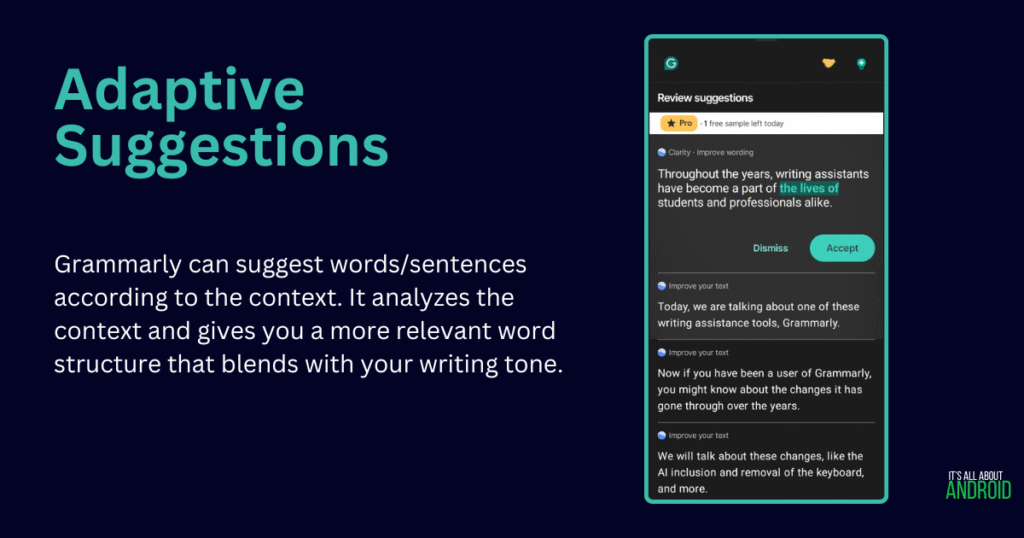
Grammarly can adapt according to your writing style. After learning about how you structure your sentences and your word preferences, it will automatically suggest or rearrange your sentences as needed. It provides 3 pro tips/suggestions for its free tier daily.
Writing Assistance/Grammar Checker
This is how Grammarly initially started, assisting with grammar, punctuation, and spelling errors. After experience and upgrading, it started helping with word choice, tone, and clarity improvement. Now it can paraphrase and suggest words/sentences according to the context, as we discussed in the adaptive suggestion part.
AI Writer/Rewrite With Grammarly
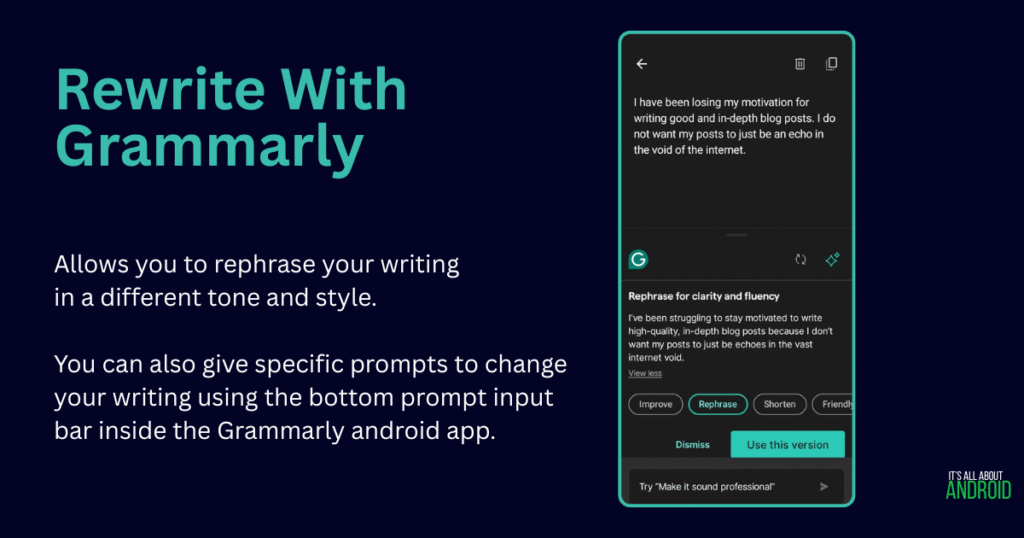
Grammarly offers 100 free AI writing prompts for its free tier. Users can put their prompts in the Grammarly app and ask for specific changes in their writing. For example, you have crafted an email, but you want it to be more persuasive, you can ask its AI to rewrite your email without changing the context and originality. It is a good way to learn new vocabulary to fine-tune your writing.
It’s Like a Game
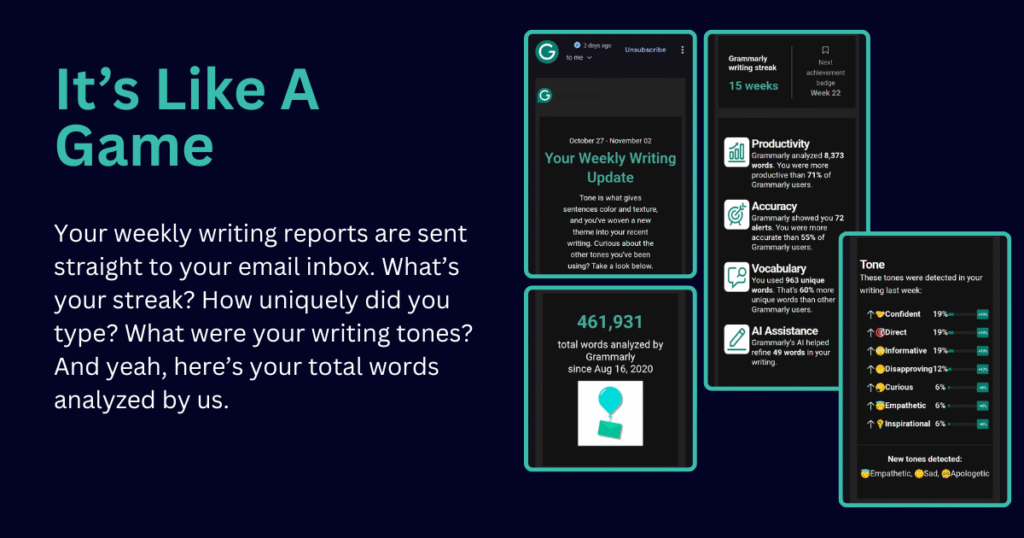
One of Grammarly’s cleverest features is its use of gamification. The app provides you with a weekly stats report showing your productivity, vocabulary uniqueness, and top grammar mistakes. It also encourages consistency with a writing streak counter.
This might seem small, but it’s a powerful psychological tool. Watching your streak grow motivates you to write every day, and reviewing your stats helps you become more aware of your personal writing habits, turning improvement into an engaging process.
Also Read: Google Docs Android: Why Use It?
The Cons
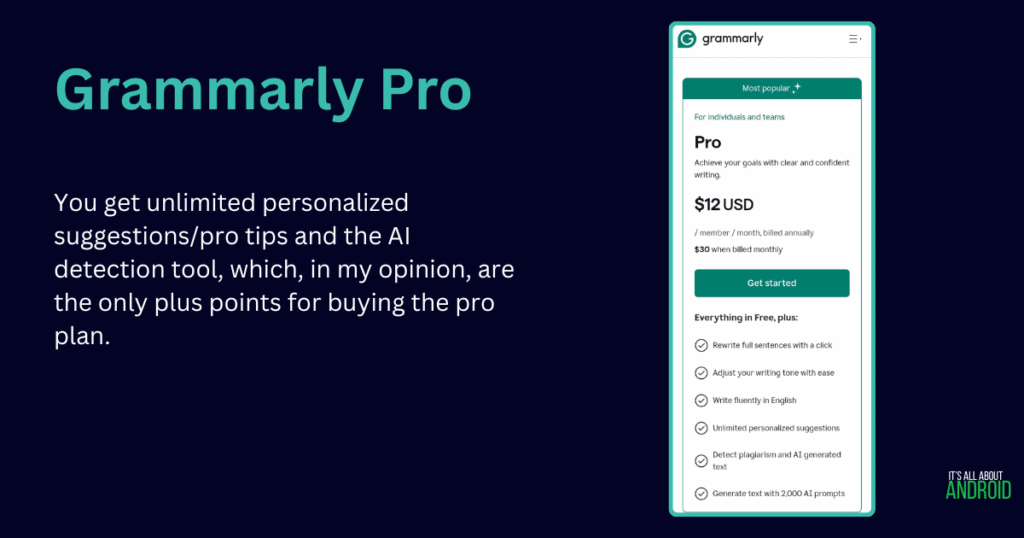
Expensive Premium Plans – Grammarly’s premium and business plans are quite costly compared to alternatives like Ginger or QuillBot, especially for casual users.
Pro Tips Behind Paywall – The free version is limited. You only get basic corrections, while tone suggestions, advanced rephrasing, and plagiarism checking are locked behind premium tiers.
Occasional Inaccuracies – While powerful, Grammarly sometimes misinterprets sentence intent, especially in creative or non-formal writing.
No Android Keyboard – Grammarly once had a dedicated keyboard app, but it’s now discontinued, making quick mobile corrections less convenient.
The Competition
QuillBot
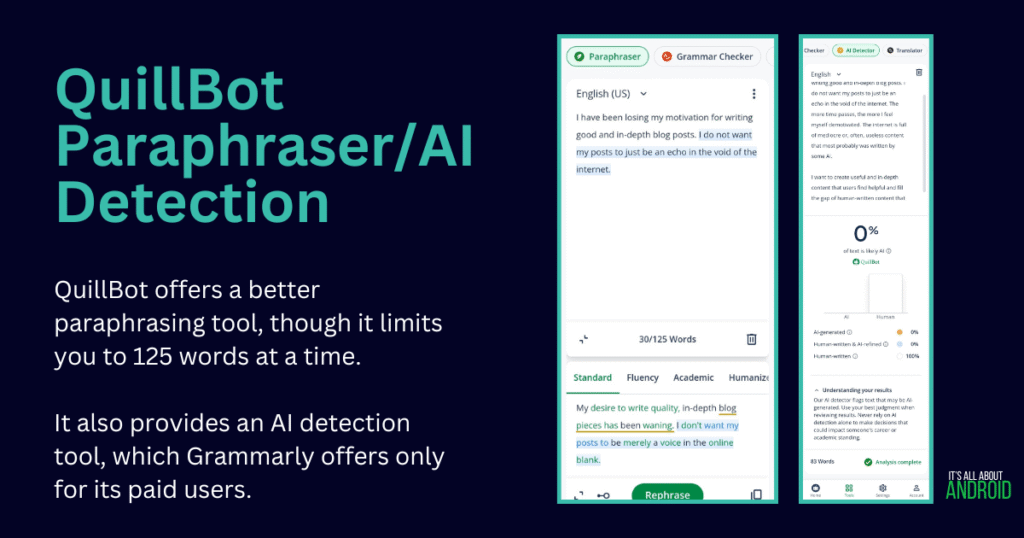
QuillBot’s Android app is more advanced and feature-rich compared to Grammarly. It comes with its own on-screen keyboard, which Grammarly dropped. QuillBot offers its AI Detector free to all users, but the free tier is limited by how many words you can check in a single scan (≈ 1,200 words), and other features like multi-file upload require the premium version.
Pros
Better paraphrasing
Multilingual support
Advanced Android app
Free AI detection tool ~1200 words
More affordable
Cons
Less styling and tone options
ProWritingAid
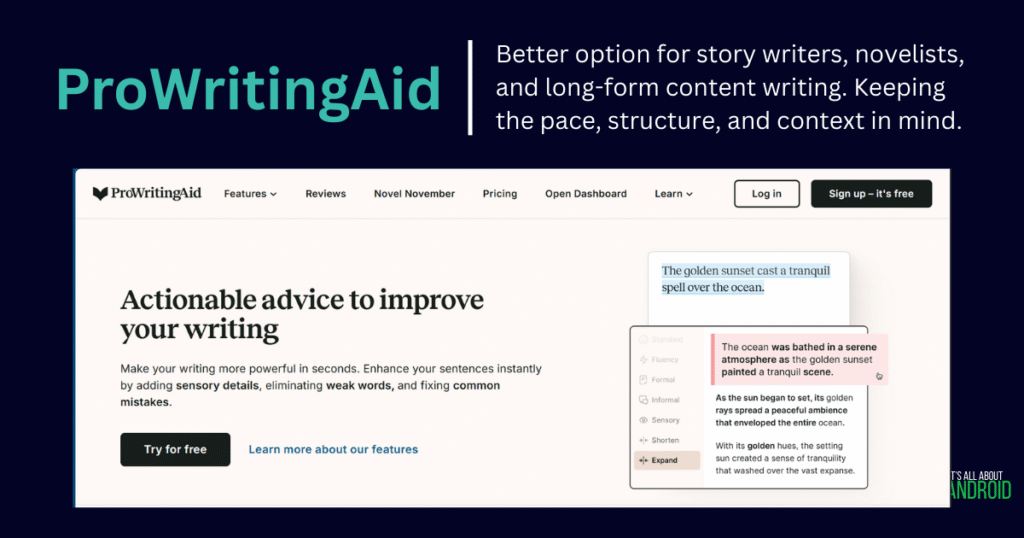
ProWritingAid is generally not compared to Grammarly because it is a writing tool assistant rather than a quick grammar checker. It is in-depth, advanced, and more focused on long-form content analysis. The reason I included this tool is that it can be super helpful for any content creator, script writer, or novelist. It provides in-depth reports on the writing and helps you to make your content more refined according to the story and context.
Pros
Advanced writing tools
In-depth reports
More styling and tone options
Cons
No Android app
Steeper learning curve
No quick solution for grammar
Ginger
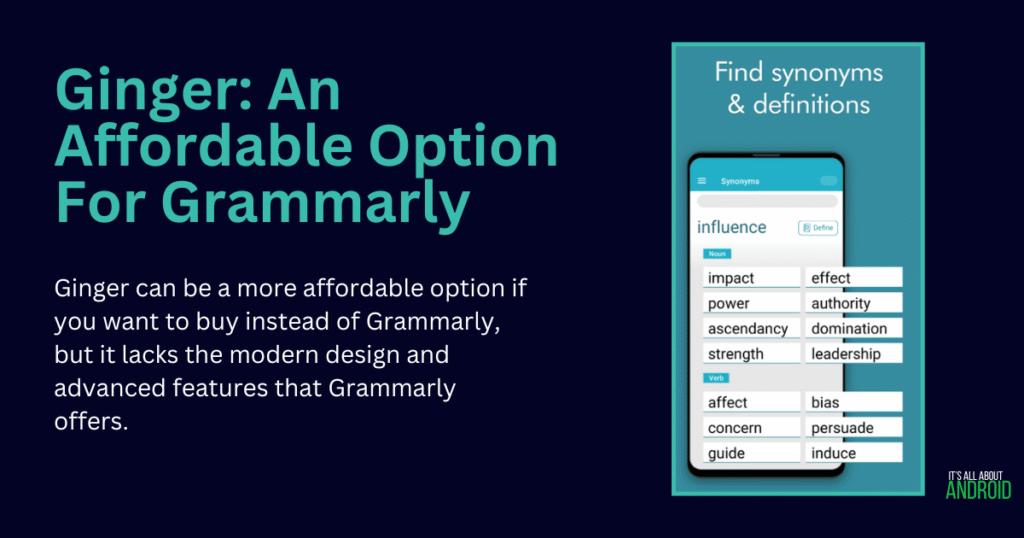
Ginger might be the most affordable option for Grammarly instead. It can be called the lighter version of Grammarly, as it is similar to it but lacks the refinement and professionalism of Grammarly.
Pros
Affordable pricing
Real-time grammar and spell checking
Multilingual support
Sentence rephraser
Cons
Limited free version
No plagiarism checker
Fewer advanced features
Interface feels dated
Is It Worth Considering?
In the age of AI chatbots, should Grammarly really be considered? Yes. Although AI chatbots can do most of the work a writing assistant can offer, it is still useful if you need on-the-spot writing assistance, ensuring clarity and correctness as you type.
It truly depends on how you use it. Use it to improvise, draft, check for mistakes, and generate ideas. Do not replace it with your writing style. The end product should be in your own wording, and that’s what makes your writing unique to others.
I hope this blog post resonated with you and you learned about AI writing assistants and how they help you become a better writer. Comments down below, what writing assistance tool do you use? And how it has impacted your writing skills.

Pingback: 5 Practical Ways To Use Google Gemini You’re Missing Out On - It's All About Android